







ERP Process Automation: Fix Broken Workflows Before You Scale
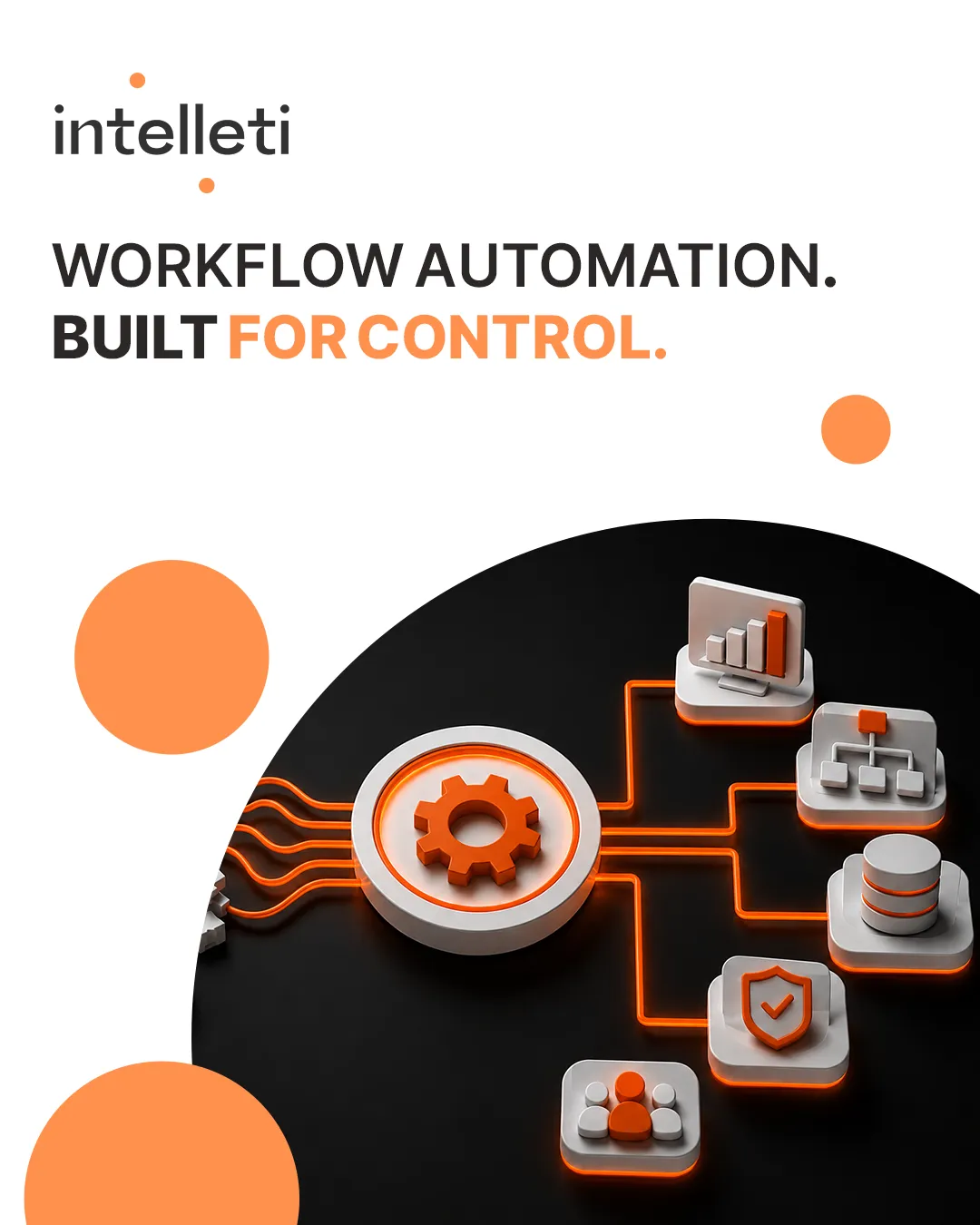
Automating a broken process does not fix it. It scales the failure.
ERP process automation can accelerate approvals, reconciliations, reporting, and other repetitive workflows. However, it executes the rules a business defines, including rules that are outdated, incomplete, or poorly designed.
Before automating a workflow, businesses need to understand whether the process itself is ready to scale.
Why ERP Automation Can Multiply Existing Problems
When process ownership is unclear, master data is inconsistent, or approval rules no longer reflect business needs, automation carries those weaknesses into more transactions.
As a result, a problem that once affected a single manual task can spread across finance, procurement, inventory, and reporting.
Consider an automated invoice approval workflow. If its rules route invoices to an outdated approver and provide no escalation path, transactions can remain stuck. Faster routing alone will not resolve the underlying ownership problem.
The Hidden Cost of Automated Process Debt
A useful way to describe this exposure is automated process debt: unresolved process weaknesses embedded in automated workflows.
These weaknesses can lead to:
- Duplicate records: Inconsistent matching rules create multiple entries for the same transaction or business partner.
- Approval gaps: Outdated rules allow transactions to bypass the appropriate review.
- Inaccurate reporting: Errors move between systems and appear in dashboards used for decisions.
- Unresolved exceptions: Failed transactions have no clear owner or recovery route.
- Control gaps: Missing approvals and incomplete records make oversight more difficult.
Over time, teams may build manual workarounds around the automation. This adds effort and reduces visibility into how the process actually operates.
What to Fix Before Automating ERP Workflows
Effective ERP process automation starts with a clear process design.
Review these areas before implementation:
- Workflow steps: Remove unnecessary handoffs, repeated checks, and activities that no longer serve a purpose.
- Decision rules: Confirm approval thresholds, routing logic, and conditions with the teams responsible.
- Data ownership: Assign responsibility for maintaining master data and correcting errors.
- System integrations: Define how information moves between platforms and how failed transfers are handled.
- Access and approvals: Ensure permissions support the intended responsibilities and controls.
- Exception handling: Specify what happens when a transaction fails, who investigates, and when it must be escalated.
Document the redesigned workflow so both business and technical teams understand how it should operate.
Test the Exceptions, Then Monitor Performance
A successful test should demonstrate more than a transaction completing under ideal conditions.
For example, check what happens when information is missing, an approver is unavailable, a duplicate record appears, or an integration fails. Confirm that the workflow flags the issue and routes it to the right person.
After launch, monitor processing time, exception volumes, manual interventions, and recurring errors. These measures help reveal whether automation is improving the process or simply moving its problems faster.
Build ERP Automation Around Business Control
Intelleti’s ERP integration and automation services connect business processes across SAP, Oracle, Microsoft Dynamics, Odoo, and custom platforms.
Our team redesigns workflows, builds data integration frameworks, automates reconciliations, and develops dashboards with defined access and oversight to support accuracy, control, and operational visibility.
Build a process worth scaling before you automate it.
Connect with Intelleti to review your ERP workflows and identify where process redesign can support more reliable automation.